Play Gravity Jar in your browser
This is the browser version of Gravity Jar: no install and no account, no ads and no purchases. Your progress is kept only in this browser.
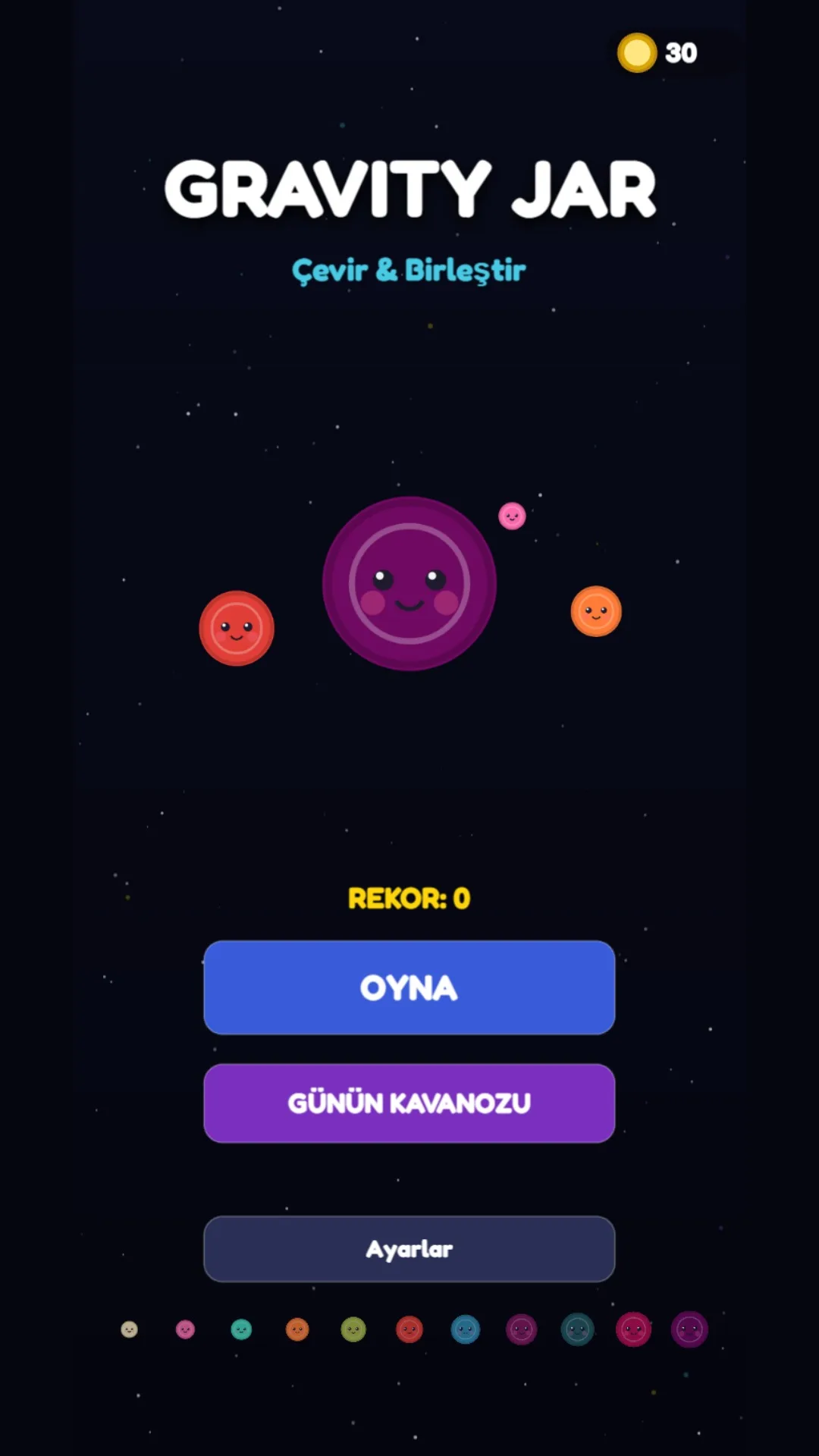
How do you play in the browser?
- 01Press and hold above the jar: the orb follows your finger or cursor.
- 02Drag left and right to aim; release to drop the orb.
- 03When the pile rises, spin the jar 90° with the ↺ ↻ buttons in the bottom corners.
Which devices does it run on?
Phones, tablets and computers with an up-to-date browser. On a phone, portrait works best; use the full-screen button for a bigger view.
How is it different from the Android version?
The game is the same. The browser version has no ads and no purchases; instead you get one free continue per game. Progress does not move between devices.